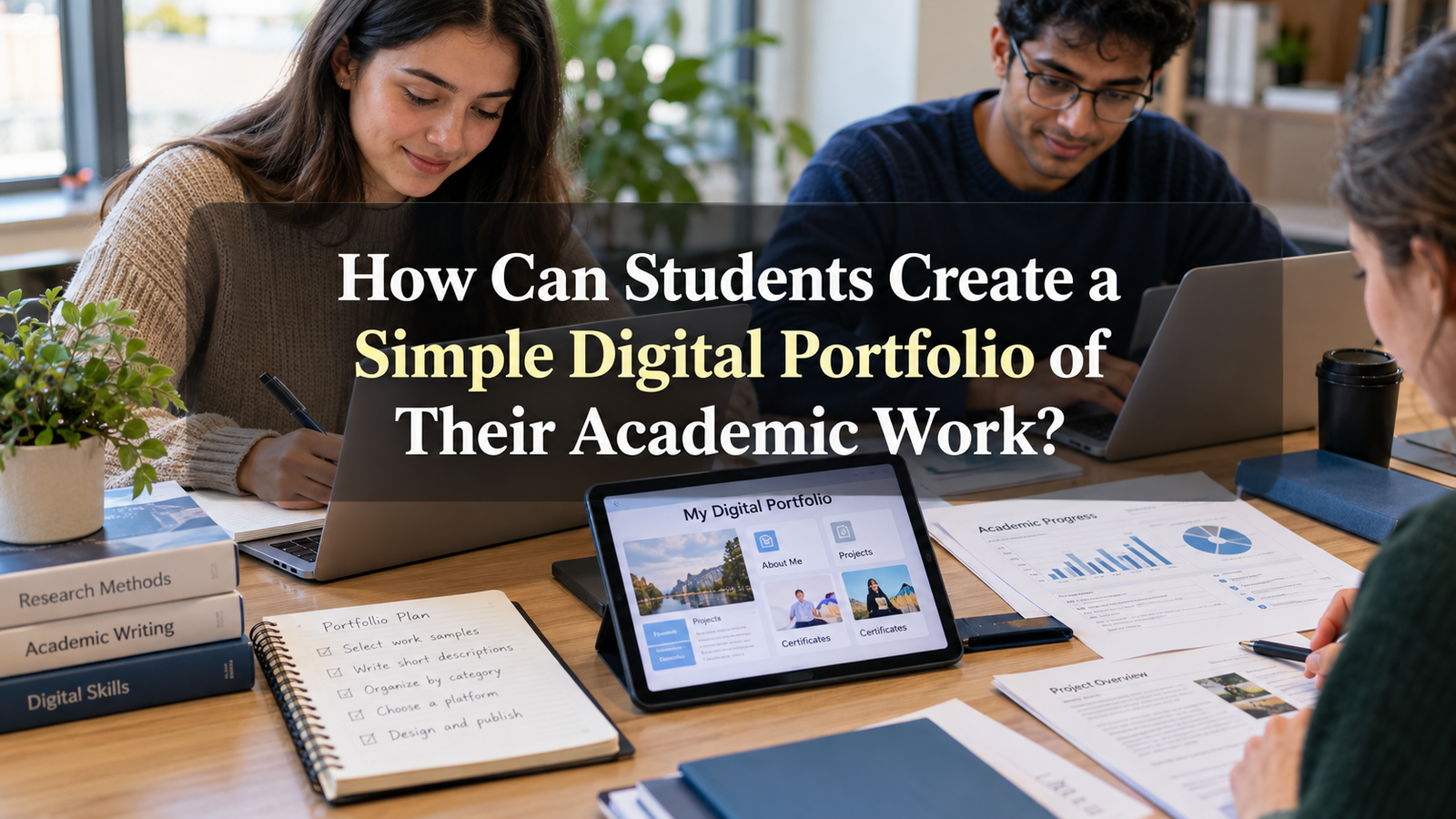
Education is no longer limited to textbooks, classroom lectures, and written examinations. Students now complete assignments, research projects, presentations, and creative activities using different digital tools. Keeping a proper record of these achievements can help students understand their progress and present their abilities to teachers, colleges, and future employers.
One practical way to organize academic achievements is by creating a digital portfolio. A digital portfolio is an online collection of a student’s educational work, skills, projects, and accomplishments. It provides a clear picture of what a student has learned and how their knowledge has developed over time.
Creating a simple digital portfolio for students does not require advanced computer knowledge or expensive software. With basic planning, suitable tools, and regular updates, students can develop a professional collection of their academic work.
This article explains how students can create a digital portfolio, what information they should include, and how they can use it to support their educational development.
What Is a Digital Portfolio for Students?
A digital portfolio is an organized collection of academic materials stored and presented electronically. It may include written assignments, research papers, certificates, presentations, photographs of projects, and examples of creative work.
Unlike a traditional folder containing printed documents, a digital portfolio allows students to store different types of information in one accessible location.
For example, a college student studying business may include marketing assignments, business plans, classroom presentations, and certificates from educational workshops.
Similarly, a school student may create a portfolio containing science experiments, artwork, writing activities, and academic achievements.
The main purpose is to demonstrate learning, improvement, and practical abilities through actual examples.
Why Is Creating a Digital Portfolio Important for Students?
A digital portfolio offers several educational advantages. It helps students organize their work while encouraging them to reflect on their learning experiences.
1. Keeps Academic Work Organized
Students often complete numerous assignments during an academic year. These documents may become scattered across notebooks, computers, mobile phones, and email accounts.
A digital portfolio provides one organized location for important academic materials.
When students need to review previous projects or share examples of their work, they can find relevant documents more easily.
2. Shows Academic Progress
Academic improvement takes place gradually. Students may not always recognize how much their writing, research, or presentation skills have improved.
By reviewing earlier and more recent assignments, they can identify meaningful changes in their abilities.
For example, comparing two essays written several months apart may reveal improvements in vocabulary, organization, and explanation.
3. Supports Future Educational Opportunities
Students applying for scholarships, internships, or higher education programs may benefit from having examples of their achievements available.
A well organized portfolio can provide supporting evidence of academic interests and practical experience.
However, students should remember that a portfolio does not replace official transcripts or other documents required by educational institutions.
4. Encourages Personal Responsibility
Maintaining a portfolio requires students to select relevant work, arrange information, and update achievements.
These activities help develop organization, planning, and personal responsibility.
Students also become more aware of their educational strengths and areas that need improvement.
How Can Students Create a Simple Digital Portfolio Step by Step?
Creating an effective academic portfolio becomes easier when students follow a clear process.
Step 1: Decide the Purpose of Your Digital Portfolio
Before selecting a platform or uploading documents, students should understand why they want to create a portfolio.
Different students may have different objectives.
Some may want to organize their school assignments. Others may wish to present research projects, demonstrate creative abilities, or prepare for future educational applications.
The purpose determines what information should be included.
For example, a student interested in computer science may focus on programming exercises, digital projects, and technical certificates.
A student interested in literature may include essays, reading reflections, and creative writing samples.
Selecting a clear purpose helps students avoid including unnecessary materials.
Step 2: Choose a Simple Digital Portfolio Platform
Students do not need to create a complicated website to develop a useful academic portfolio.
Several digital tools can help organize and present educational work.
Google Sites
Google Sites allows students to create basic websites without learning programming languages.
Students can organize their portfolios into pages and add text, images, and links to their work.
It is suitable for students who want a simple website with separate sections for assignments, projects, and achievements.
Google Drive
Google Drive can be used to store assignments, presentations, certificates, and other documents in organized folders.
Although it is primarily a file storage service rather than a portfolio website, students can use shared folders or document links to present selected work.
They should carefully review sharing permissions before making files accessible to other people.
Canva
Canva provides design tools that students can use to create visually organized portfolio pages.
Students can combine text, images, project summaries, and academic achievements into a presentation or digital document.
Many basic features are available without payment, although some templates and design elements require a subscription.
Microsoft PowerPoint
PowerPoint is another practical option for students who prefer a familiar tool.
Each slide can represent a different section of the portfolio.
The completed presentation can be saved as a PDF document for convenient sharing.
The best digital portfolio platform for students is one they can use comfortably and update regularly.
Step 3: Create a Clear Portfolio Structure
A digital portfolio should have a simple structure so that readers can understand its contents without difficulty.
Students can divide their portfolios into the following sections.
| Portfolio Section | Information to Include |
|---|---|
| About Me | Brief introduction and academic interests |
| Academic Work | Selected assignments and written projects |
| Research Projects | Research activities and findings |
| Skills | Academic and practical abilities |
| Achievements | Certificates, awards, and competitions |
| Learning Reflection | Personal learning experiences |
| Future Goals | Educational objectives and interests |
Students do not need to include every section immediately.
A basic portfolio containing an introduction, selected assignments, and achievements is a good starting point.
Additional sections can be added as more academic work becomes available.
Step 4: Write a Short Personal Introduction
The introduction is usually the first section readers see.
It should briefly explain the student’s educational background, interests, and learning goals.
Students should use clear and natural language rather than complicated expressions.
For example:
“I am a college student interested in science, technology, and research. I enjoy learning new concepts and completing practical projects that improve my understanding. This portfolio contains selected assignments, presentations, and activities that represent my academic progress.”
A personal introduction does not need to be lengthy.
A few meaningful sentences can provide enough information.
For privacy reasons, students should avoid publishing sensitive details such as their home address, personal identification numbers, or private contact information.
Step 5: Select Your Best Academic Work
One common mistake students make is uploading every assignment they have completed.
A useful digital portfolio should focus on quality rather than quantity.
Students should select work that demonstrates important skills, effort, creativity, or improvement.
Suitable examples include:
- Research assignments that demonstrate investigation and analysis.
- Written essays showing clear communication.
- Science projects involving practical experiments.
- Presentations explaining important academic topics.
- Creative projects demonstrating original ideas.
- Group assignments showing teamwork and collaboration.
Students should choose materials that support the main purpose of their portfolios.
For example, someone preparing for an engineering program may prioritize mathematics projects, technical drawings, and science experiments.
It is also helpful to include a small number of earlier assignments when they demonstrate genuine academic improvement.
Step 6: Add a Short Explanation to Every Project
Uploading a document without explanation may make it difficult for others to understand its importance.
Each project should include a brief description explaining what the student completed and what they learned.
A useful project description can answer three questions:
What was the project about?
Explain the main subject or objective.
What work did you complete?
Describe your responsibilities, research activities, or practical contributions.
What did you learn?
Mention the knowledge or skills developed during the activity.
For example, a student presenting a science experiment might write:
“This project explored how sunlight affects plant growth. I observed plants under different lighting conditions and recorded their growth over two weeks. The activity helped me understand observation, data recording, and scientific comparison.”
Descriptions like this make a digital portfolio more informative and meaningful.
Step 7: Include Academic Skills and Achievements
A digital portfolio should demonstrate not only completed assignments but also abilities developed through education.
Students can create a separate section describing important academic skills.
These may include research, writing, communication, problem solving, time management, digital literacy, and teamwork.
Instead of simply claiming to possess a skill, students should connect it with relevant evidence.
For example, a classroom presentation can demonstrate communication skills, while a research report may show information gathering and analytical abilities.
Students may also include certificates from competitions, workshops, online courses, and educational activities.
Only genuine achievements should be presented.
Accurate information helps maintain credibility and reflects responsible academic behavior.
Step 8: Keep the Digital Portfolio Design Simple
An attractive portfolio does not require complicated graphics or colorful backgrounds.
In fact, simple designs often make academic information easier to understand.
Students should choose readable fonts, clear headings, and consistent formatting.
Background colors should not make text difficult to read.
Images should support the content rather than distract readers.
For example, photographs of a science model or artwork may help explain a project.
Students should also check whether documents open correctly on mobile phones and computers.
A clean and organized design allows readers to concentrate on academic achievements.
Step 9: Protect Personal Information and Respect Academic Rules
Privacy is an important consideration when creating an online academic portfolio.
Students should understand that publicly shared documents may be viewed, downloaded, or distributed by other people.
Before publishing materials, they should remove unnecessary personal information.
They should also avoid sharing classmates’ photographs, private group discussions, or personal details without permission.
Some educational institutions restrict the public sharing of assessment materials, research data, or classroom resources.
Students should follow these rules.
When including group projects, it is important to explain personal contributions and acknowledge other participants.
Any information, photographs, or research materials obtained from outside sources should receive appropriate credit.
These practices encourage responsible digital citizenship.
Step 10: Review and Update Your Portfolio Regularly
A digital portfolio becomes more valuable when it reflects ongoing academic development.
Students should review their portfolios periodically and add important new work.
For example, they may update their portfolios at the end of each school term or after completing major projects.
During these reviews, they can remove outdated information, correct mistakes, and improve project descriptions.
They should also check whether shared links continue to work.
Regular updates prevent the portfolio from becoming an abandoned collection of old documents.
More importantly, reviewing previous work encourages students to recognize their progress and establish new learning goals.
Common Mistakes Students Should Avoid
Students sometimes focus too much on appearance while overlooking the educational purpose of their portfolios.
A portfolio filled with decorations but lacking meaningful examples may not communicate academic abilities effectively.
Other common mistakes include uploading too many similar assignments, using unclear file names, and providing no explanation for completed projects.
Students should also avoid exaggerating achievements or copying descriptions from other portfolios.
A genuine portfolio should represent the student’s actual learning experiences.
It is better to present five carefully selected projects with useful explanations than twenty documents without context.
How Can a Digital Portfolio Help Students in the Future?
The benefits of creating a digital portfolio can extend beyond school and college.
As students continue their education, they may develop stronger writing, technical, research, and communication abilities.
A portfolio provides a record of these developments.
Students preparing for internships can use relevant projects to demonstrate practical experience.
Those applying for specialized academic programs may use selected work samples when applications permit them.
A portfolio can also help students prepare for interviews by reminding them of previous achievements and challenges.
For example, a student who completed a difficult group project may use that experience to explain how they managed responsibilities and solved problems.
In this way, the portfolio becomes more than a storage location. It becomes a useful record of academic experience and personal growth.
Frequently Asked Questions
Can students create a digital portfolio for free?
Yes. Students can use free features available through Google Sites, Google Drive, Canva, and similar tools. Some advanced features may require payment, but a basic academic portfolio can usually be created without purchasing expensive software.
What should a beginner include in a digital portfolio?
A beginner can start with a short introduction, three to five selected academic projects, a list of relevant skills, and any meaningful educational achievements.
Is a digital portfolio useful for school students?
Yes. School students can use digital portfolios to organize assignments, writing activities, science projects, and creative work. They can also observe how their academic abilities improve over time.
How often should students update their portfolios?
Students can review their portfolios once every school term or whenever they complete an important academic project. The main goal is to keep the information accurate and relevant.
Should a student make their digital portfolio public?
Not necessarily. Students can keep their portfolios private or share them with selected teachers and educational institutions. Public sharing should only take place after reviewing privacy settings and removing sensitive information.
Conclusion
Creating a simple digital portfolio of academic work is a practical way for students to organize their achievements and understand their educational progress.
A successful portfolio does not depend on expensive software, advanced technical abilities, or complicated website designs. It depends on selecting meaningful work, arranging information clearly, and explaining learning experiences in an understandable way.
Students can begin with a few assignments, introduce their academic interests, and gradually add new projects and achievements.
Regular reviews, responsible information sharing, and accurate descriptions can make the portfolio more useful over time.
Most importantly, a digital portfolio encourages students to reflect on what they have learned, recognize their strengths, and identify opportunities for improvement.
By developing this habit early, students can create a valuable record of their academic journey while building digital organization and presentation skills that may support their future education and career development.